How to Use CodeContext
Follow these simple steps to convert your local codebase into a single text file optimized for Large Language Models.
Upload Your Project
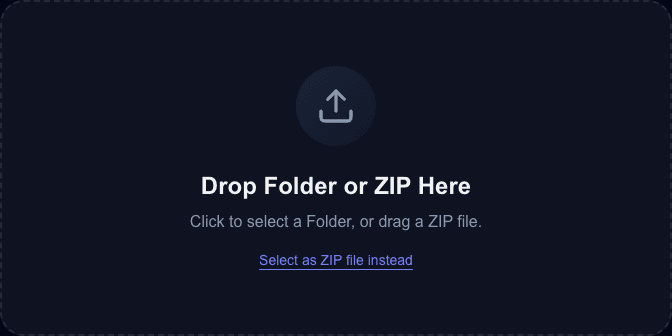
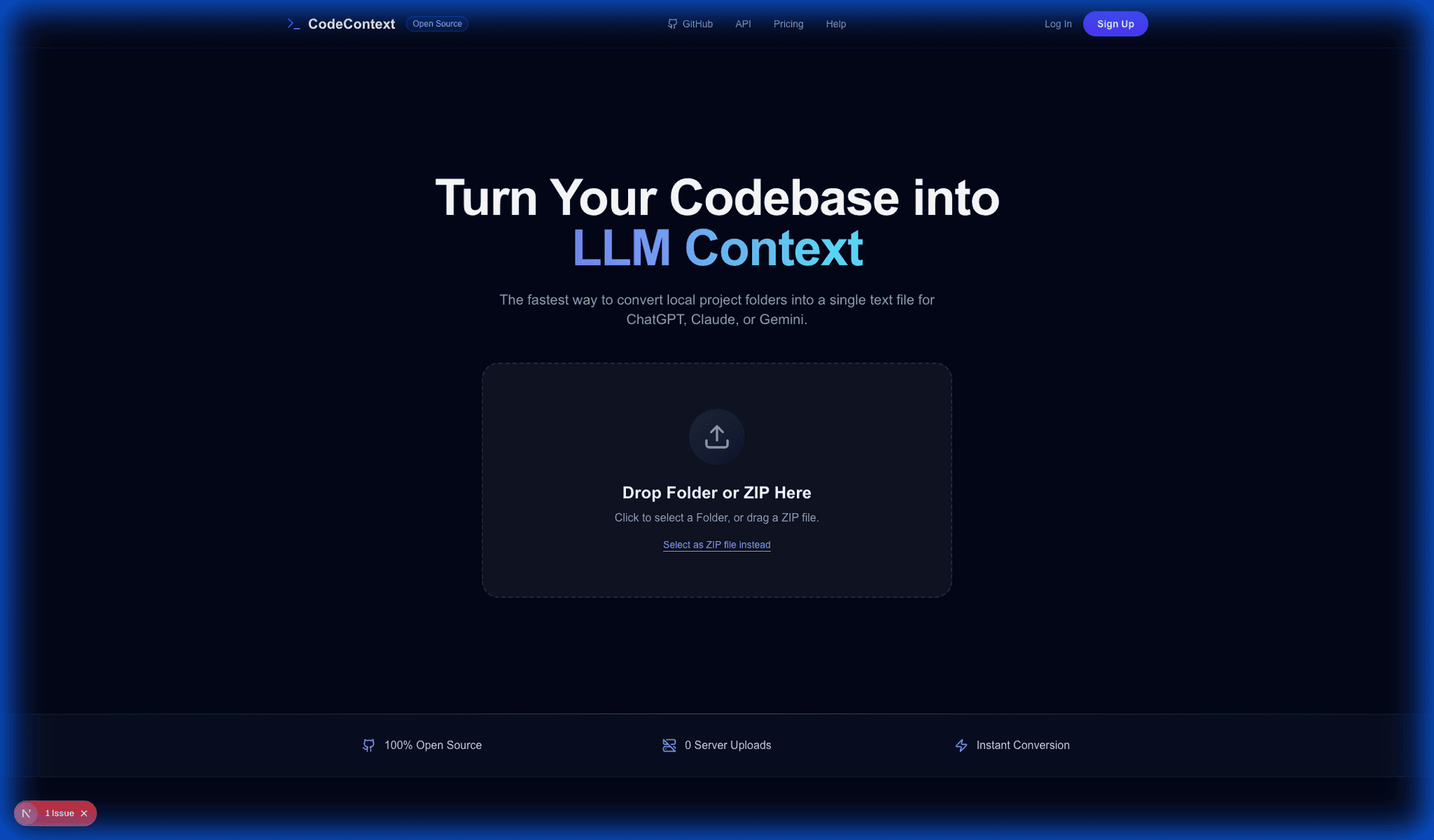
Start by dragging and dropping your project folder or ZIP file into the simplified upload area.
Privacy First: Your files are processed entirely in your web browser. No code is ever sent to a remote server.
Review & Process
The tool instantly scans your directory structure, ignoring common clutter like node_modules or .git.
Watch the progress bars as we categorize files by language and prepare them for conversion.
Automated Formatting
We automatically determine the programming language for each file and apply appropriate formatting.
This step ensures that your LLM (ChatGPT, Claude, etc.) can clearly distinguish between different files and syntax.
Download Context File
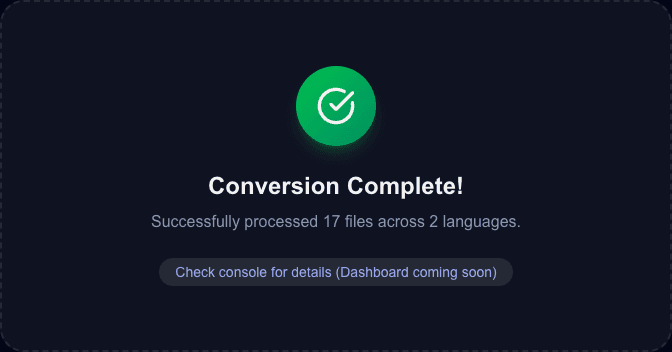
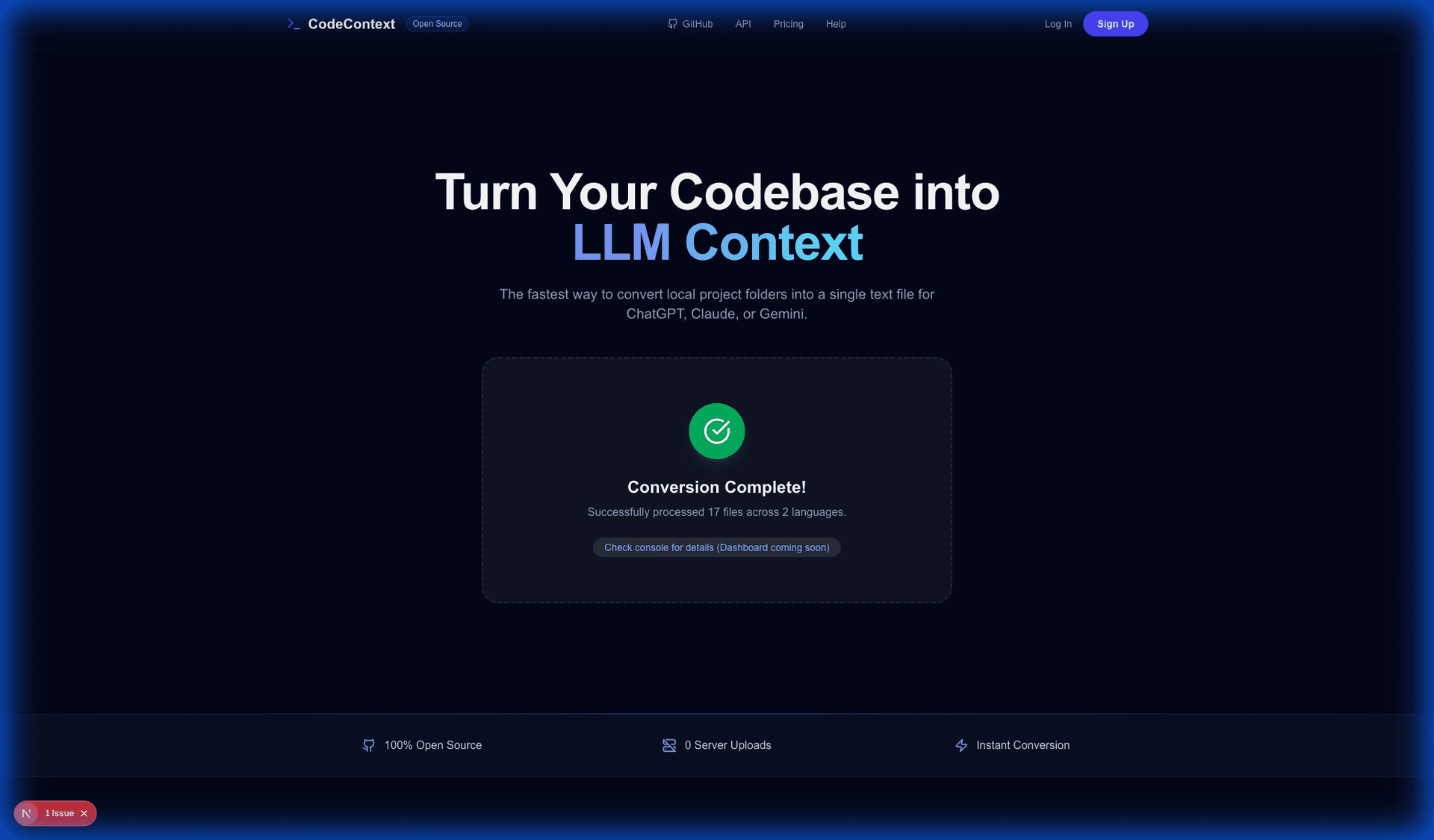
Once processing is complete, you'll see a summary of processed files.
Click Download .txt File to get your consolidated codebase, ready to be pasted into your favorite AI assistant.